
#
Accessing the Academy
In
#
How to Login to the B2BEA Academy
#
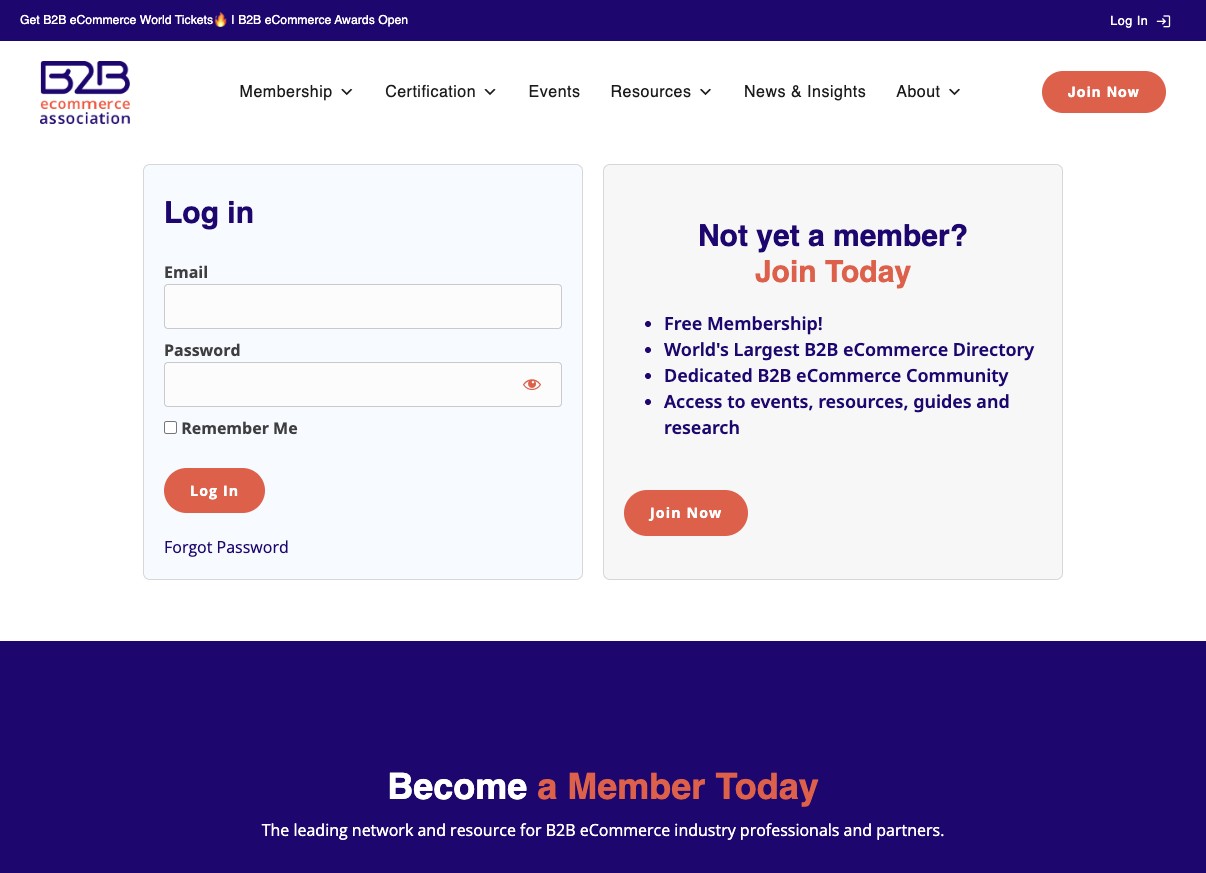
Step 1: Visit the Login Page
Visit b2bea.org/login
#
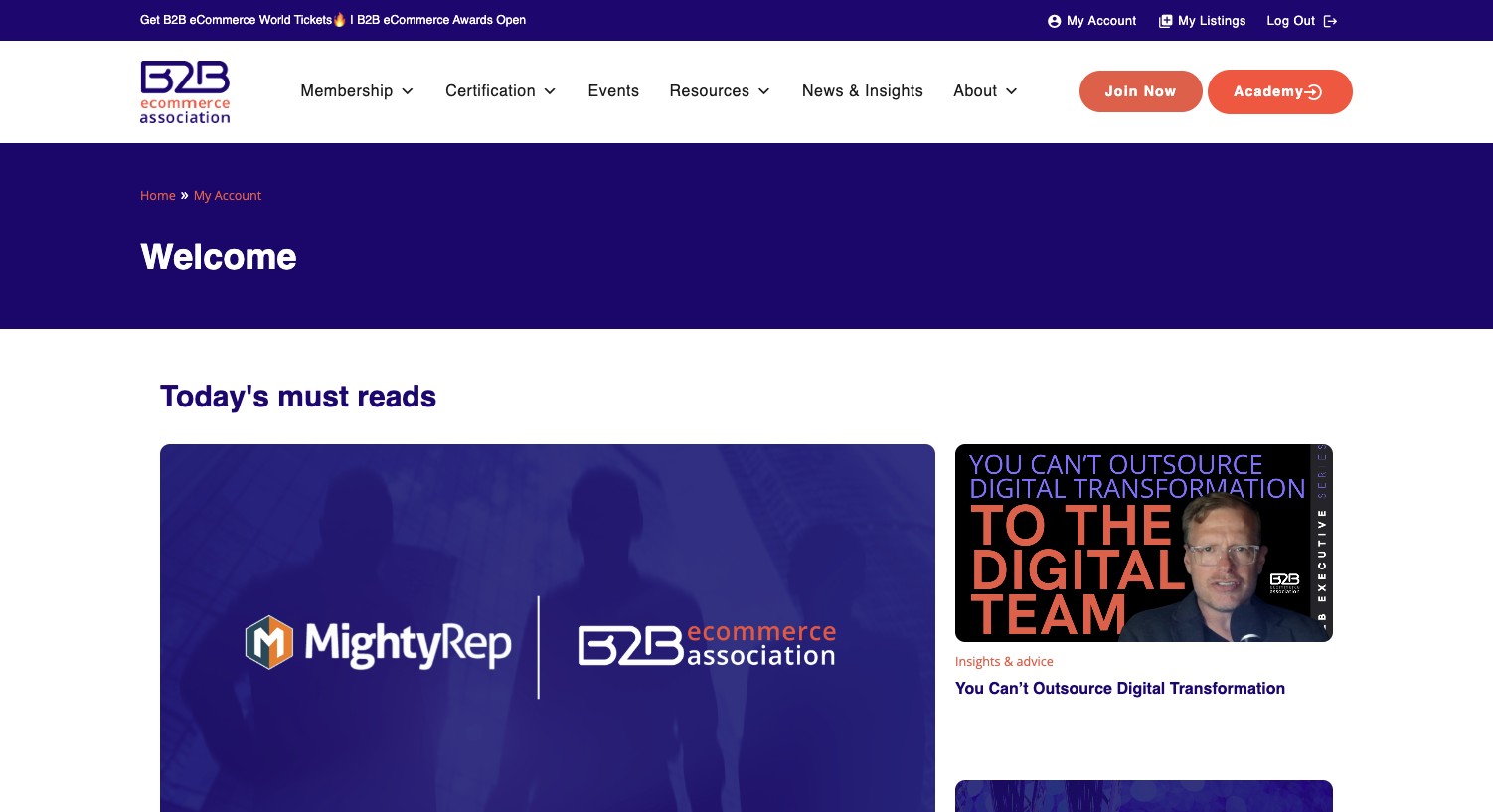
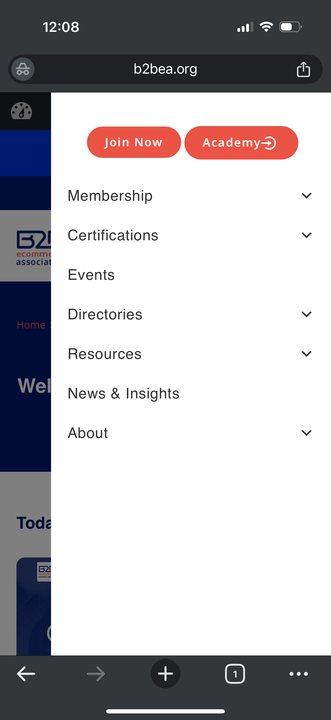
Step 2: Navigate to Academy
Once logged in, the Academy button will show in the navigation
#
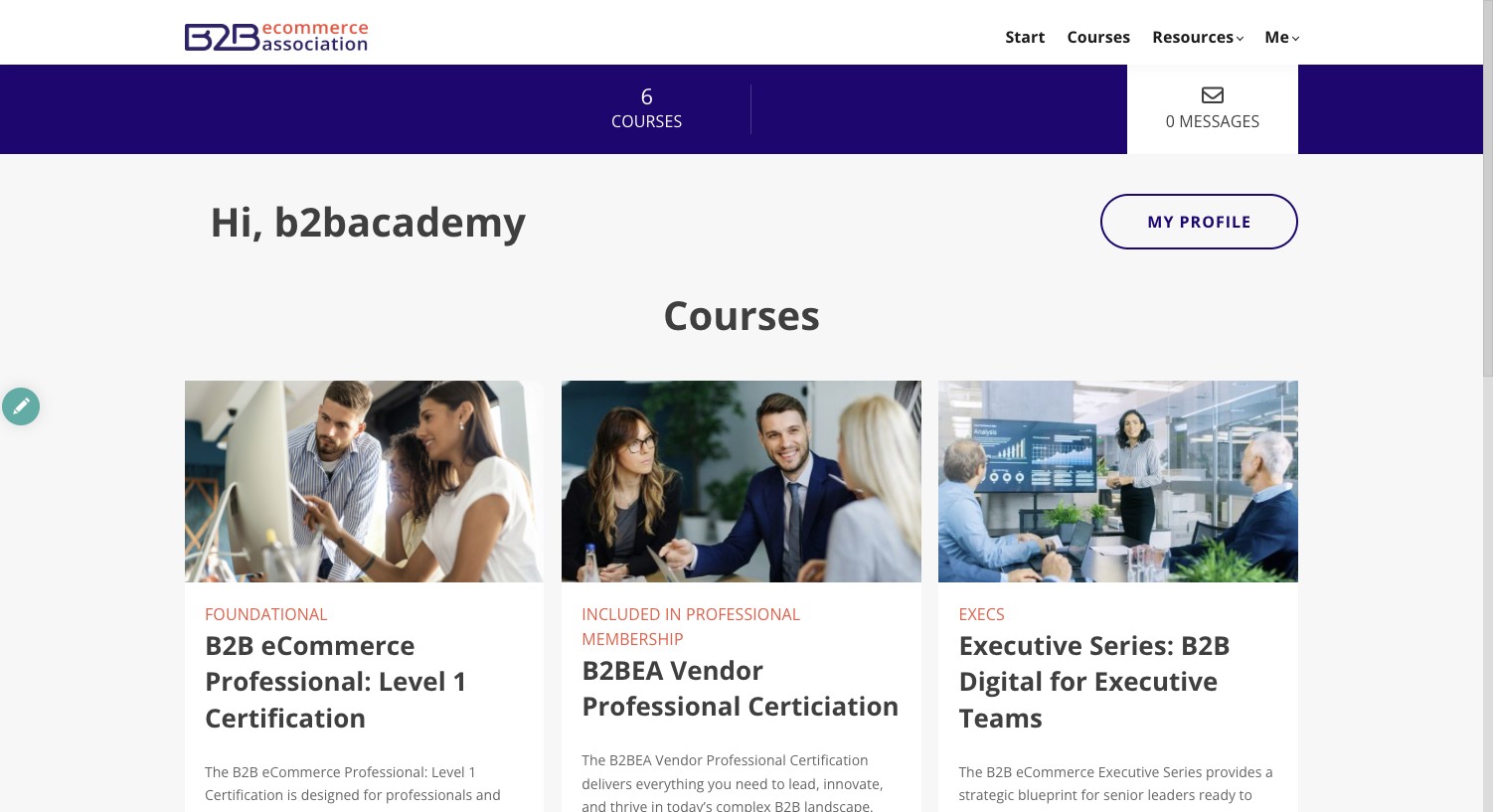
Academy Start Page
You'll be redirected to your start page based on your role:
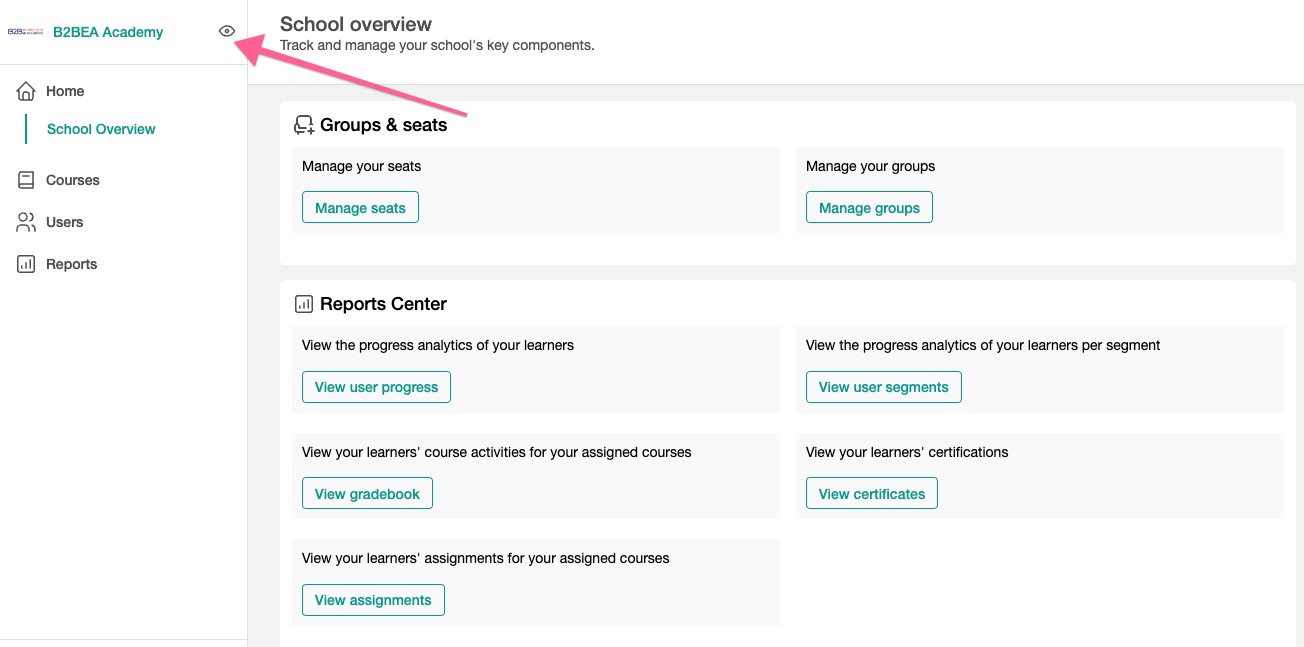
How to access the student area as a Seat Manager
If you are a seat manager, your journey will always start here. To access the student area of the site, click the eye icon just to the right of the logo.
#
Quick Access Tips
- Bookmark the login page for easy access
- Use the same credentials as your main B2BEA account
- The Academy button appears automatically after login
- Different start pages are shown based on your role and permissions